How WhatsApp users can disconnect Muse
The Sun reported that Meta launched Muse within WhatsApp in the UK and that the feature is being tested in a limited number of countries. WhatsApp says users can disconnect their account from Muse and delete the Muse chat.
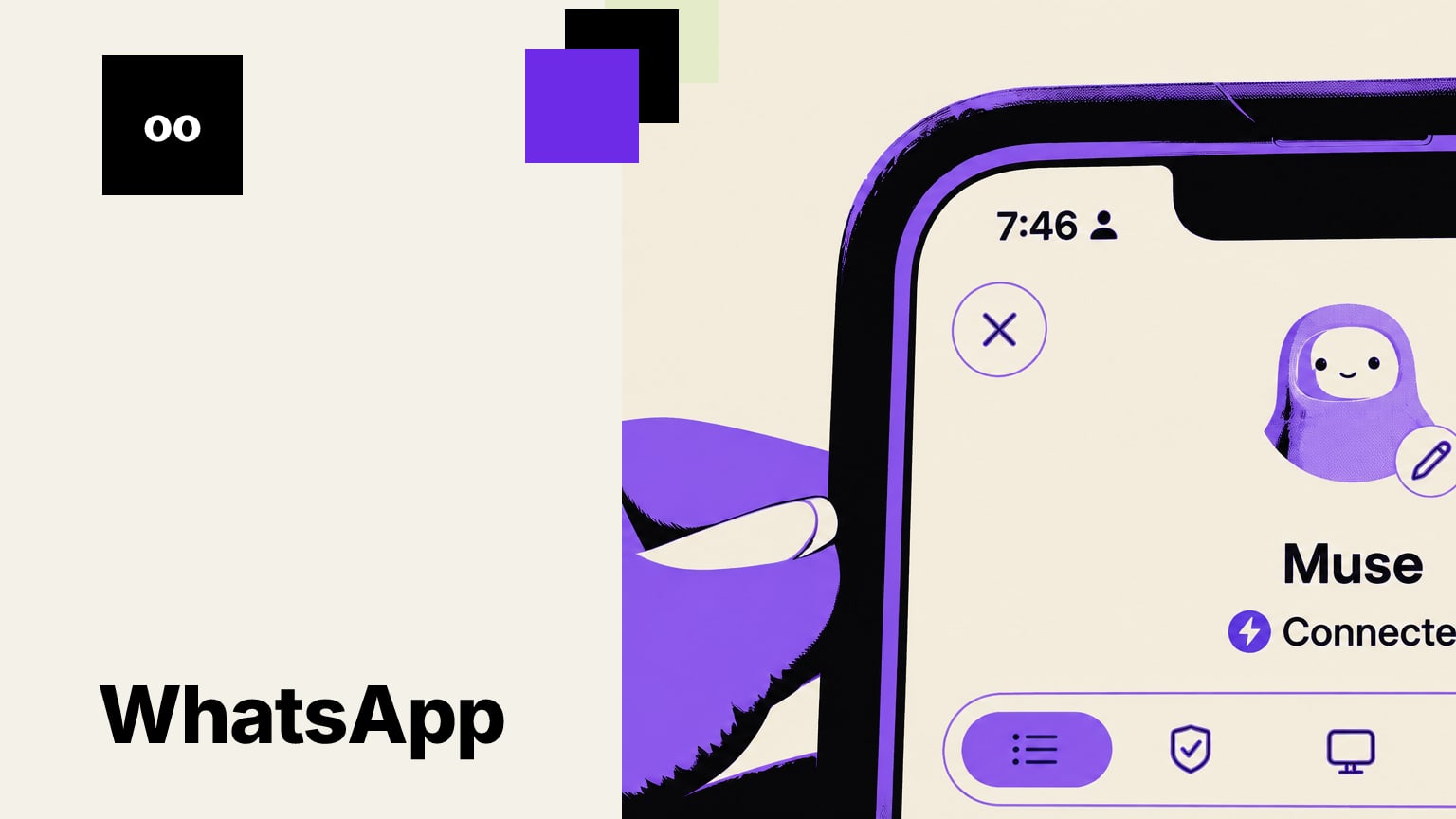
Key takeaways · 4
- 01
To stop sending new messages to Muse from WhatsApp, disconnect your WhatsApp account from Muse using your primary phone.
- 02
Disconnecting does not remove the previous conversation from WhatsApp or the Muse app.
- 03
Deleting the Muse chat removes its history from WhatsApp only.
- 04
WhatsApp says Muse cannot read other WhatsApp chats or see contacts unless users take additional action to share them.
What Muse does
The Sun reported that Meta launched Muse within WhatsApp in the UK, describing it as Meta’s personal AI agent.[1] The feature is being tested in a limited number of countries, and The Sun reported that it may appear on some users’ Chats tabs as a prompt or shortcut icon.[1] WhatsApp says Muse can help manage calendars and email, including scheduling and inbox tasks.[2]
Disconnecting Muse
WhatsApp says users can disconnect their WhatsApp account from Muse.[2] After disconnection, users can no longer send new messages to the agent from WhatsApp, but the previous conversation remains viewable in both WhatsApp and the Muse app.[2] That means disconnecting is the option described for stopping new WhatsApp messages; it does not, by itself, erase the conversation history.[2] WhatsApp says users must use their primary phone to connect or disconnect their account, because that action is not available on WhatsApp Web.[3]
Deleting the chat and its limits
WhatsApp says users can delete the Muse chat, and that doing so removes its history only from WhatsApp.[2] The stated effect is limited to the WhatsApp chat history; the guidance does not say that deleting it also removes the previous conversation from the Muse app.[2] WhatsApp also says Muse cannot read users’ other WhatsApp chats or see their contacts unless users take additional action to share them.[2] For people deciding whether to use the agent, WhatsApp cautions that some messages generated by Muse may be inaccurate or inappropriate.[2]
Usage and availability
WhatsApp says that after users reach the free usage limit, they can upgrade to a paid subscription or make a one-time purchase of additional usage.[2] Users weighing whether to try Muse should therefore distinguish the available account controls from the separate question of usage costs: WhatsApp describes both a disconnection option and paid choices after the free limit.[2]
For professionals evaluating an AI assistant in a messaging app, the controls have distinct effects: disconnecting stops new messages from WhatsApp, while deleting the chat removes its history there. The limits on chat and contact access, the need for a primary phone, and the paid options after the free usage limit are relevant when assessing adoption and user guidance.
Why it matters
AI training for your team
kju.ai is built for teams: daily sessions, team analytics, and rollout support for your organization.
How this developed
28 November 2026
How WhatsApp users can disconnect Muse