Google adds interactive site generation to Gemini Notebook
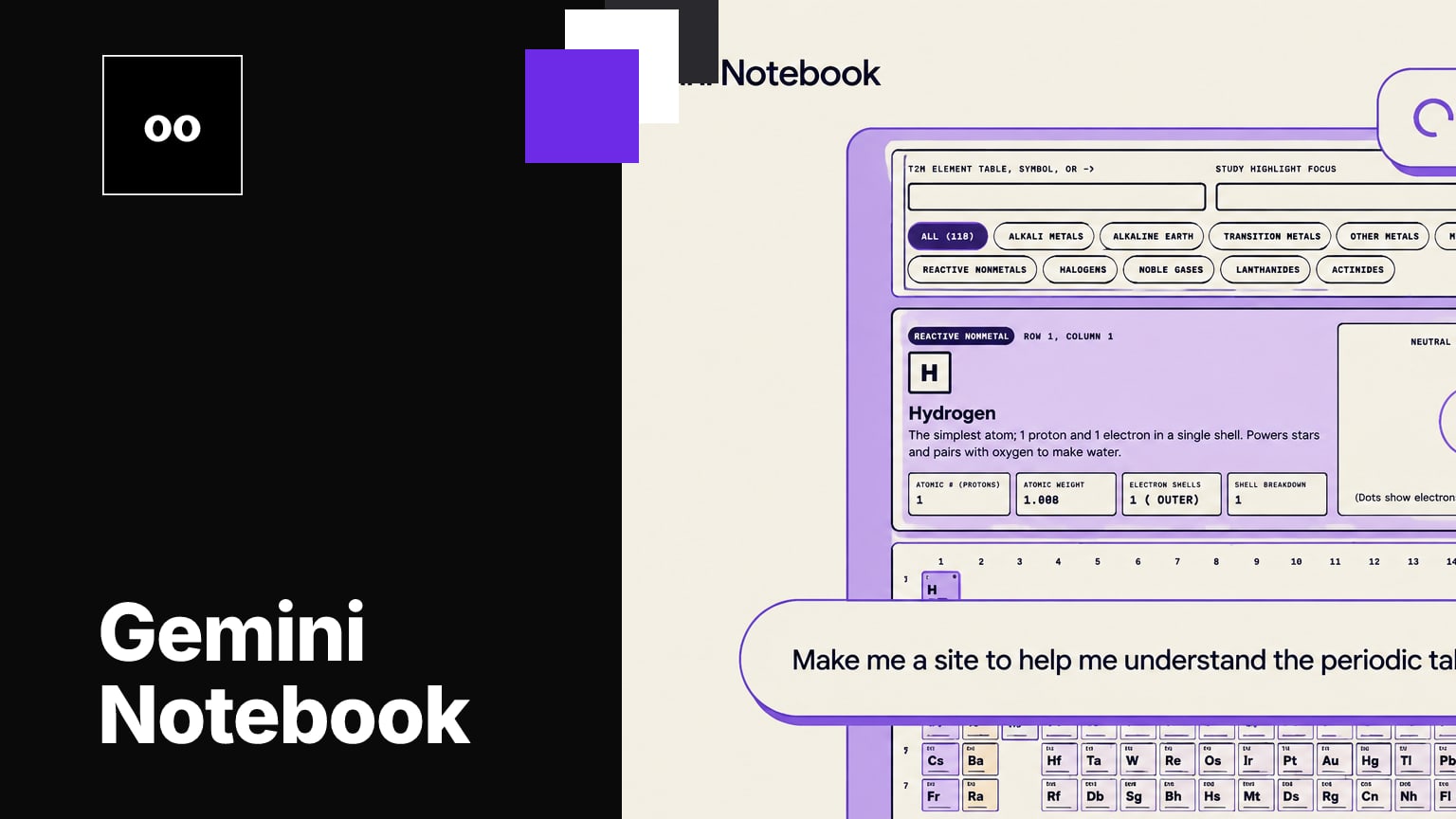
Google says Gemini Notebook can turn notebook sources into interactive sites, helping users make sense of complex information. Users can describe what they want to build for work or study and open the generated site in a new tab.
Key takeaways · 5
- 01
Start site generation by typing “make me a site” in Gemini Notebook chat, then describe the intended work or study project.
- 02
Generated sites can be opened in a new tab and shared with others.
- 03
Google says the feature is available globally on the web to eligible users aged 18 or older, with mobile access coming soon.
- 04
The rollout was scheduled to start November 16, 2026, and visibility may take up to 15 days.
- 05
There is no feature-specific admin control or end-user setting, though administrators can control who in their organization can use Gemini Notebook.
From notebook sources to an interactive site
Google says Gemini Notebook can use notebook sources to create interactive sites intended to help users make sense of complex information.[1] Users can start by typing “make me a site” in the Gemini Notebook chat, then describe what they want to build for work or study.[1] Google says users can open the generated site in a new tab to interact with it and share it with others.[1] ZDNET reports that the option is in Gemini Notebook’s Studio tab and that notebook sources can include textbooks, files or notes.[2]
Examples span study and workplace tasks
Google points to visual explainers for exam preparation, including an interactive periodic table or historical timeline.[1] For workplace use, its examples include interactive dashboards for exploring data such as quarterly sales performance and project-management trackers that outline tasks and deadlines.[1] These examples give users different ways to frame a request: as a learning aid, a view into data, or a task-and-deadline outline. The feature is described as generating sites from notebook sources, so teams should consider whether their notes provide the material they want represented.[1]
Web access and rollout timing
Google says the feature is available globally on the web to users who are 18 or older.[1] It is available to Google Workspace customers, Workspace Individual subscribers and users with personal Google accounts who meet the age requirement.[1] Google’s post states November 18, 2026, and says the rollout was scheduled to start November 16, 2026.[1] Feature visibility during rollout may take up to 15 days, and Google says mobile access is coming soon.[1]
Controls and early user context
Google says there is no admin control specifically for site generation and no end-user setting for the feature.[1] Administrators can, however, control who in their organization can use Gemini Notebook.[1] For organizations assessing access, that distinction matters: the stated control applies to Gemini Notebook use, rather than a separate site-generation switch. ZDNET’s writer described asking Gemini Notebook to make a site from notes as satisfying.[2] That is one writer’s reaction, not evidence about output quality across different notebooks or tasks.
Teams can consider whether interactive views would make existing notebook material easier to use for learning, data exploration or project coordination. Before relying on the output, assess whether the source material and available Notebook access fit the task.
Why it matters
AI training for your team
kju.ai is built for teams: daily sessions, team analytics, and rollout support for your organization.
How this developed
19 November 2026
Google adds interactive site generation to Gemini Notebook