Apple adds narrower permission controls in macOS 27.3 beta
Apple introduced more transparent, granular controls for Device Control and Data Access and Full Disk Access in macOS 27.3 beta 2. Apple’s developer page gives the date as November 16, 2026.
Key takeaways · 4
- 01
macOS 27.3 beta 2 adds more visible, granular controls for Full Disk Access and Device Control and Data Access.
- 02
Users grant permission by selecting the requesting app from a list; they can also configure apps to ask again each time access is needed.
- 03
Apple advises users to limit access to the apps or folders their workflows require.
- 04
Previously granted permissions remain in effect, and Apple has not said when the changes will reach all users.
What Apple changed
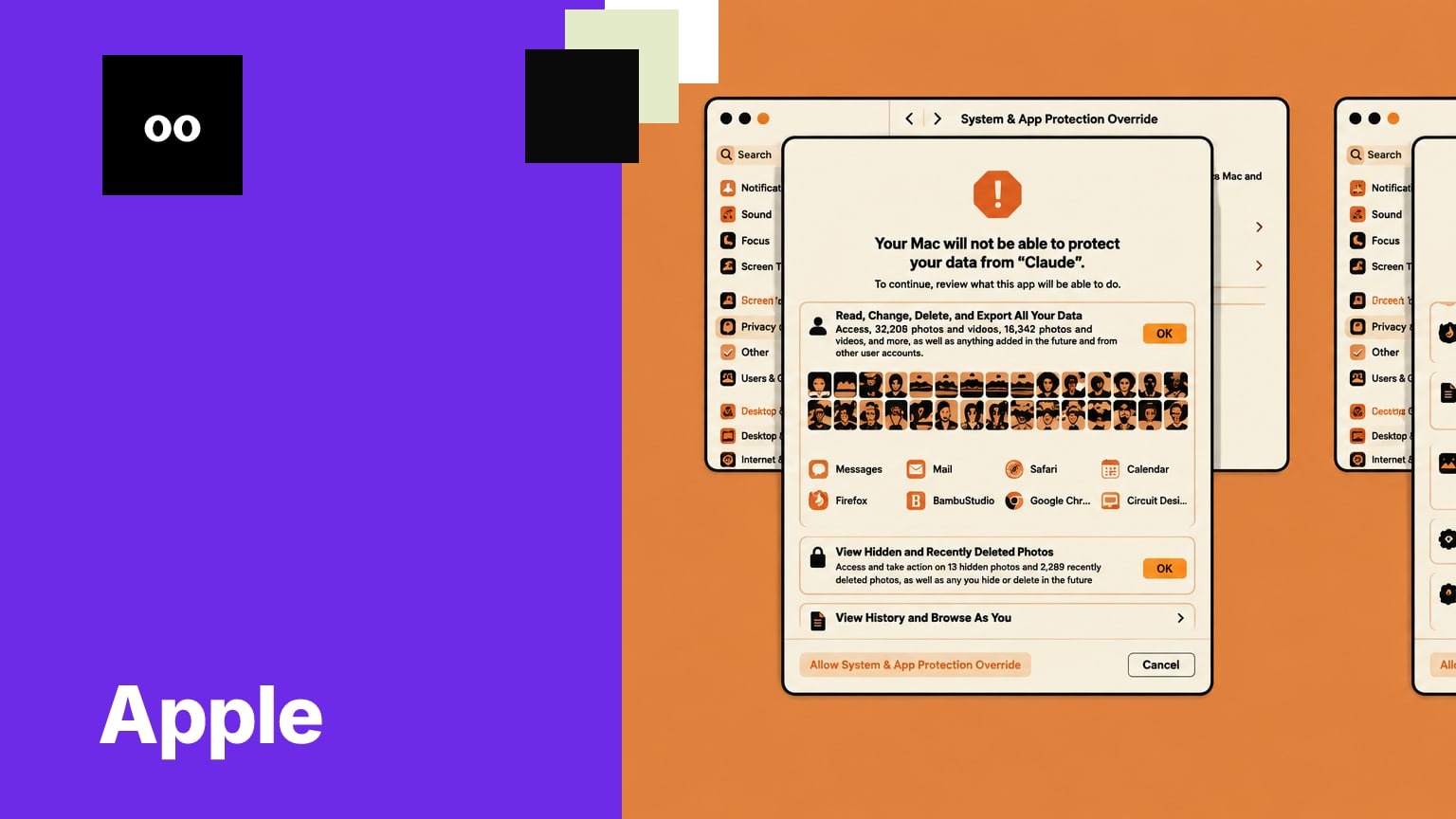
Apple split the Device Control and Data Access setting into System & App Protection Override and Accessibility.[1] It also made selection of the requesting app from a list the single method for granting permissions.[1] Apple says users will have more visibility into the data apps can access or control when given full permissions.[1] For apps using System & App Protection Override to control another app, macOS will show a transparency indicator.[1] Together, the changes make the permission decision more explicit, but they do not remove the option to grant broad access.[5]
Broad access still carries risk
Apple says Full Disk Access can let an app bypass system protections and access messages, email, photos, videos and data from other user accounts.[2] With that access, an app can read, change, delete and export Mac data without asking.[2] Unrestricted System & App Protection Override can let an app fully control a Mac, see background windows and capture keystrokes.[2] Apple says some apps can instead be given access to selected protected folders or apps while protections remain in place for other data.[2]
What developers need to prepare
Apple told developers to update onboarding and make sure their apps can work when access is limited to selected folders or apps.[1] The company says underlying APIs will not change, but developers will need to account for limited-access grants.[5] Developers of backup apps and assistive technologies can request entitlements to preserve the previous experience for new installations.[1] Apple says known apps will keep their existing experience without an entitlement, and that further entitlement details will be available soon.[1]
A live concern, with timing still open
The permission changes follow a reported incident involving Meta’s Muse Mac app: Jason Aten said it accessed his messages despite his belief that he had denied permission.[3] Engadget reported that Meta described Muse as opt-in and said Aten must have granted access.[3] Apple’s guidance says users should understand that extraordinary access puts all data on their Mac at risk.[1] Apple has not said when the changes will reach all users.[3]
Permission prompts are a point where teams can weigh an app’s usefulness against the data and controls it needs. Developers should plan for users to grant less access than before, while Mac users can review whether broad permissions match a specific workflow.
Why it matters
AI training for your team
kju.ai is built for teams: daily sessions, team analytics, and rollout support for your organization.
How this developed
17 November 2026
Apple adds narrower permission controls in macOS 27.3 beta
Sources
- Updates to Device Control and Data Access, and Full Disk Access in macOS - Latest News - Apple Developerdeveloper.apple.com
- If an app asks for Full Disk Access or System & App Protection Override on your Mac - Apple Supportsupport.apple.com
- Apple Adds New Disk Controls To Prevent AI Agents From Running Amokengadget.com
- macOS 27.3 beta 2 (26C5047e) - Releases - Apple Developerdeveloper.apple.com
- macOS 27.3 includes new privacy controls for Full Disk Access and more - 9to5Mac9to5mac.com
- macOS 27.3 Warns Against Giving AI Apps Full Mac Control - MacRumorsmacrumors.com